Most e-bikes already tell you speed, assistance level and battery, so a separate computer is not an automatic upgrade. The e-bike computer display need separate decision comes down to what you want on the bars: simple control, better navigation, deeper ride data, or a phone you can actually trust in rain.
In This Article
- E-Bike Computer Display Need Separate: The Short Answer
- What Your Built-In E-Bike Display Already Does
- When a Separate Bike Computer Is Worth Buying
- When Your Phone Is Enough
- Costs: Built-In Displays, Bike Computers and Phone Mounts
- Battery, Range and Ride Data: What Actually Matters
- Setup, Mounting and Security on UK Rides
- Who Should Buy a Separate E-Bike Computer?
- Frequently Asked Questions
E-Bike Computer Display Need Separate: The Short Answer
For commuting, errands and short leisure rides, the built-in e-bike display is usually enough. It shows battery level, support mode and speed, and it keeps the cockpit simple. I would not spend £200 on a separate GPS computer just to ride five miles to work on the same route every day.
A separate bike computer starts to make sense when you want one of three things:
- Proper navigation with turn prompts, route re-routing and a screen that stays visible in rain and bright sun.
- Better ride data such as heart rate, cadence, elevation, power-meter support or structured training fields.
- A cleaner phone setup where your phone stays in a pocket instead of taking vibration, rain and theft risk on the bars.
My practical answer: use the e-bike display alone if you mainly care about battery and assist mode. Add a separate GPS computer if you ride unfamiliar routes, tour, train, or want your phone off the handlebar. Use a phone mount only if you accept the weather, battery and security trade-offs.
Before changing displays, remember the legal basics too. In the UK, an electrically assisted pedal cycle must meet the GOV.UK rules on electric bike speed, motor and age limits. A computer can show speed and ride data, but it does not make an overpowered bike legal.
This is not a phone-mount buying guide or a theft-tracker guide. eBikeGeek already has separate articles on vibration-proof e-bike phone mounts and e-bike GPS trackers for theft recovery. This piece is about the display decision.
What Your Built-In E-Bike Display Already Does
Most e-bikes come with either a small LED controller, a compact display, or a larger colour unit. Even a basic setup normally gives you the essentials.
Typical Built-In Display Functions
A standard e-bike display usually covers:
- Assist level: eco, tour, normal, sport, turbo or whatever your motor brand calls them.
- Battery indicator: usually bars or a percentage, depending on the system.
- Current speed: useful for staying aware around the 25 km/h assistance cut-off.
- Trip distance: enough for short rides and charging habits.
- Lights and walk assist controls: if the bike supports them.
That is plenty for many riders. If you ride a Carrera, Raleigh, Cube, Trek, Specialized, Tern or Volt e-bike around familiar roads, the stock display is the one thing you can read without thinking. It is also wired into the bike, so it wakes up with the system and usually survives bad weather better than a cheap phone mount.
The weakness is detail. A five-bar battery indicator is not the same as a reliable range estimate. A basic display may not show elevation, navigation, cadence or heart-rate data. Some cheaper displays also wash out in low winter sun, which is not ideal when you are trying to glance down without wobbling into a pothole.
Smart Displays Are Getting Better
Higher-end systems blur the line between built-in display and bike computer. Bosch, for example, positions its Kiox 300 and Kiox 500 displays around ride screens, navigation prompts, fitness data and app integration. On compatible smart-system bikes, that can remove most reasons to add a separate computer.
The catch is compatibility. You cannot usually bolt any display to any e-bike and expect it to talk to the motor. A Bosch display belongs in the Bosch ecosystem. Shimano, Yamaha, Fazua, Mahle and Bafang systems have their own rules. If your bike came with a basic display, an upgrade may need a specific mount, cable, controller or dealer setup.
When a Separate Bike Computer Is Worth Buying
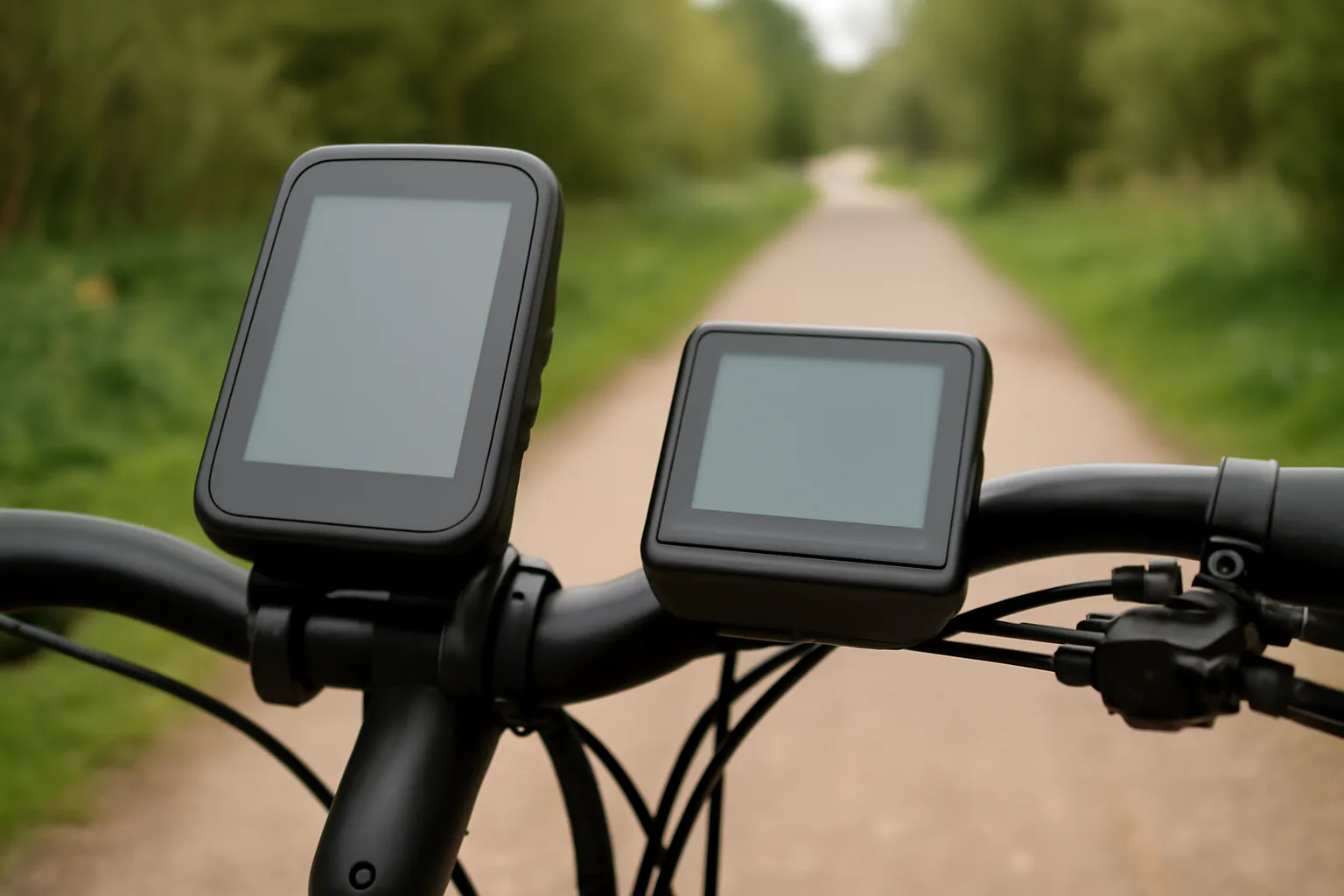
A separate computer is worth it when it does something your e-bike system does not do well. The best examples are mapping, training and long-ride planning.
Navigation on Unfamiliar Routes
If you follow GPX routes, ride new lanes, tour at weekends or use the National Cycle Network, a separate GPS computer is much nicer than squinting at a tiny e-bike display. Garmin, Wahoo, Hammerhead and Bryton units are built for this job. They mount securely, run for hours, and use screens designed for outdoor riding.
For e-bike touring, I would rather have a Garmin Edge Explore 2 or Wahoo ELEMNT ROAM-style computer than a phone on full brightness for six hours. A dedicated computer is less distracting, easier to waterproof, and less painful to replace than a £900 phone if it bounces down a lane.
For route planning context, eBikeGeek has guides to planning an e-bike day trip and finding e-bike charging points on long UK rides. Those are the rides where a separate computer earns its place.
Training and Fitness Data
If you care about heart rate zones, cadence, elevation gain, Strava segments or power-meter data, a separate computer is the cleaner tool. E-bikes still give exercise, but the motor changes how you read effort. Heart rate and cadence are more useful than speed alone because assist mode can make two rides at the same speed feel very different.
Owners who move from commuting to longer sport rides often notice this. The built-in display is fine for getting home; it is less useful for working out whether you are actually improving.
Keeping Your Phone Safe
A separate computer also keeps your phone away from vibration, rain and opportunistic theft. That matters on city rides. A phone on the bars is useful, but it is also a big glowing rectangle saying “please grab me at the lights”. No judgement if you use one; just be honest about the risk.
When Your Phone Is Enough
A phone is enough if you ride occasionally, want turn-by-turn directions now and then, and do not mind managing battery life. Google Maps, Komoot, Strava and Apple Maps all work for basic navigation, and many e-bike companion apps show useful system data.
The phone option is cheapest if you already own the phone. You need a mount and perhaps a power bank, not a £250 bike computer. A Quad Lock Out Front Mount is usually around £35-£45 before the case, while cheaper silicone mounts on Amazon UK can be £8-£15. I would avoid the flappy £6 mounts for a heavy modern phone on an e-bike. The extra vibration and speed make false economy obvious quite quickly.
Where Phones Fall Short
Phones struggle in four places:
- Rain: touchscreens become annoying, and charging ports do not love wet winter commuting.
- Battery drain: screen-on navigation can chew through a phone on a long ride.
- Heat: summer sun plus navigation can make a phone dim or shut down.
- Vibration: long-term handlebar vibration can be rough on camera stabilisation in some phones.
For a short ride to Halfords, the gym or the station, a phone is fine. For a 70km route across mixed lanes, I would use a bike computer and keep the phone dry.
If your main worry is carrying the phone, laptop and work kit rather than display data, read the eBikeGeek guide to carrying a laptop on an e-bike without damage. Cockpit clutter is only one part of the commuter setup.
Costs: Built-In Displays, Bike Computers and Phone Mounts
This is where the decision becomes clearer. A separate display can be cheap, but a good separate computer is not.
Typical UK Prices
Expect these rough UK prices:
- Basic wired e-bike display replacement: about £25-£60, but only if it matches your controller and connector.
- Branded e-bike display upgrade: about £80-£180. A Bosch Kiox 300 display is often around £110, depending on retailer and whether you need mounts or cables.
- Entry GPS bike computer: about £60-£120 for basic Bryton, Lezyne or older Garmin options.
- Navigation-focused GPS computer: about £190-£260 for something like a Garmin Edge Explore 2 class unit.
- Training-focused GPS computer: about £250-£350 for Wahoo ELEMNT BOLT/ROAM, Garmin Edge mid-range or similar units.
- Phone mount: about £10-£45, plus a case if the mount system needs one.
If your e-bike cost £900, a £300 computer is hard to justify unless you ride a lot. If your bike is a £3,000 commuter, cargo bike or e-MTB, the cost makes more sense because it improves a machine you already depend on.
Do Not Buy the Wrong Display
This is the boring bit that saves money. E-bike displays are not universal. Voltage, connector shape, controller protocol and motor system all matter. A £35 display from Amazon UK may fit the handlebar but fail to talk to the bike.
Before buying a replacement or upgrade, check:
- Motor system: Bosch, Shimano, Yamaha, Bafang, Mahle and own-brand systems differ.
- Connector: round waterproof plugs can look similar but use different pin layouts.
- Voltage: 36V and 48V systems are common, but not interchangeable by guesswork.
- Dealer coding: some smart systems need setup through an approved dealer.
For many riders, the safest upgrade is not a replacement e-bike display. It is a separate GPS computer that does not interfere with the motor system at all.
Battery, Range and Ride Data: What Actually Matters
E-bike data can become a rabbit hole. More numbers do not always mean better decisions. The useful data is the stuff that changes how you ride.
Battery Percentage Beats Battery Bars
A percentage display is better than five bars. One bar could mean 18% or 5%, and that difference matters when you are still 12km from home. Some e-bike apps give more accurate battery data than the handlebar display, but that depends on the system.
For range planning, watt-hours matter more than vague battery size claims. A 500Wh battery gives more useful energy than a 360Wh one, but rider weight, hills, tyres, wind and assist mode all change the real-world result. The eBikeGeek guide to watt-hours and e-bike batteries goes deeper on that.
Range Estimates Are Educated Guesses
Some displays estimate remaining range by assist mode. That is useful, but it is not a promise. If you leave a flat canal path and start climbing into a headwind, the number can drop fast. A separate computer with route elevation helps because it shows what is coming, not just what the bike thinks based on the last few minutes.
If range is your main anxiety, read how to plan longer rides confidently before spending money on extra screens. Better route planning can solve more than another gadget.
Speed Is Not the Whole Story
On a legal UK e-bike, motor assistance cuts out at 25 km/h. A display showing 28 km/h downhill is not the motor breaking the law; it is you rolling faster than the assisted limit. GOV.UK’s EAPC rules are about motor assistance, not whether gravity exists.
Cadence and assist mode are more useful than speed for day-to-day riding. If you always ride in turbo at low cadence, you drain the battery and make the motor work harder. If a separate computer helps you ride smoother, it can indirectly improve range.
Setup, Mounting and Security on UK Rides
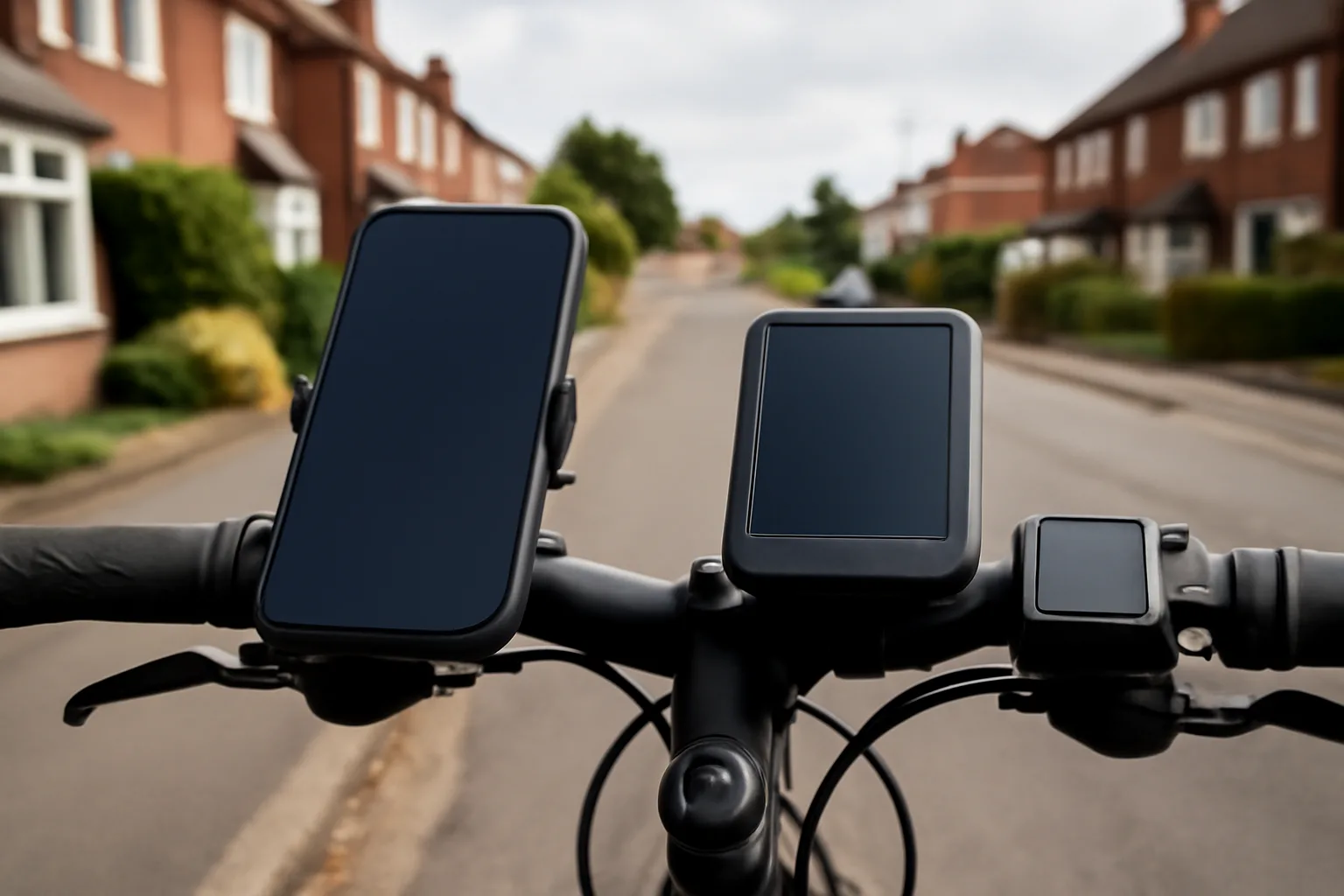
The best display setup is the one you can glance at without taking your attention off the road. That means central, secure, visible and not fighting for space with lights, bells, phone mounts and brake hoses.
Mounting Position
Put the main screen near the stem if possible. It keeps your eyes closer to the road ahead and reduces the chance of knocking the device when you lean the bike against a wall. Out-front mounts are good for sporty bikes, but on flat-bar e-bikes they can clash with lights or baskets.
Check cable movement after fitting anything. Turn the bars fully left and right. If a mount pulls a brake hose or display cable tight, move it. It sounds obvious, but I have seen tidy-looking cockpit setups that tugged the cable every time the bike was parked.
For accessory fit, the article on setting up e-bike mudguards is a reminder of the same principle: parts are only good if they fit the actual bike, not the product photo.
Weather and Theft
A dedicated bike computer usually handles rain better than a phone. Many are water-resistant, use physical buttons, and have mounts designed for road vibration. Phones can work, but wet gloves and touchscreens are a miserable pairing.
Security is the other issue. Remove anything valuable when you lock up. A removable display can be useful here: some Bosch smart displays can act as part of the bike’s security setup, while a Garmin or Wahoo simply twists off and goes in your pocket. Do not leave a £250 computer on the bars outside a supermarket. That is optimism, not convenience.
If theft risk is your main concern, start with a lock, not a display. eBikeGeek has a dedicated guide to UK e-bike locks, and that will matter more than whether your screen shows gradient.
Who Should Buy a Separate E-Bike Computer?
Buy a separate e-bike computer if you ride beyond familiar local routes, want reliable mapping, train with heart rate or cadence, or dislike using your phone on the bars. For those riders, a dedicated computer is not just another gadget. It makes the bike easier to use.
Do not buy one if you only want to see battery and speed. Your built-in display already does that. Spend the money on better lights, a lock, waterproof panniers or tyres before adding a second screen.
My Pick by Rider Type
Here is how I would choose:
- Daily short commuter: built-in e-bike display only, plus good lights and a strong lock.
- Occasional leisure rider: phone mount if you need navigation, but keep the phone dry and secure.
- Touring or route-focused rider: Garmin Edge Explore 2 class computer, roughly £190-£260.
- Training-focused rider: Wahoo ELEMNT BOLT/ROAM or Garmin Edge mid-range unit, roughly £250-£350.
- Bosch smart-system rider: check whether a Kiox 300/500 style upgrade does enough before adding a separate GPS unit.
The neatest cockpit is not always the one with the fewest devices. It is the one where each device has a job. If your built-in display controls the bike and a separate computer handles routes, that makes sense. If you have three screens all showing speed, you have bought clutter.
Frequently Asked Questions
Do I need a separate computer for an e-bike? Not for normal commuting or short local rides. A separate computer is worth it if you want better navigation, training data, route planning or to keep your phone off the handlebars.
Can I replace my e-bike display with any display? No. E-bike displays are system-specific. You need to match the motor system, controller, connector, voltage and sometimes dealer setup, especially on Bosch, Shimano and other smart systems.
Is a phone better than a bike computer for e-bike navigation? A phone is cheaper and flexible, but a dedicated bike computer is usually better for long rides, rain, battery life and vibration. For short rides, a good phone mount can be enough.
How much does an e-bike computer cost in the UK? Basic GPS computers start around £60-£120, navigation-focused units are often £190-£260, and training-focused Garmin or Wahoo units commonly sit around £250-£350.
Will a bike computer show my e-bike battery level? Sometimes, but not always. It depends on whether your e-bike system can share data with the computer or app. Many separate computers show route and ride data but not motor battery percentage.
Is a built-in e-bike display enough for range planning? It is enough for local riding, but longer rides benefit from route elevation, distance remaining and charging plans. A separate computer can help, but better route planning matters just as much.